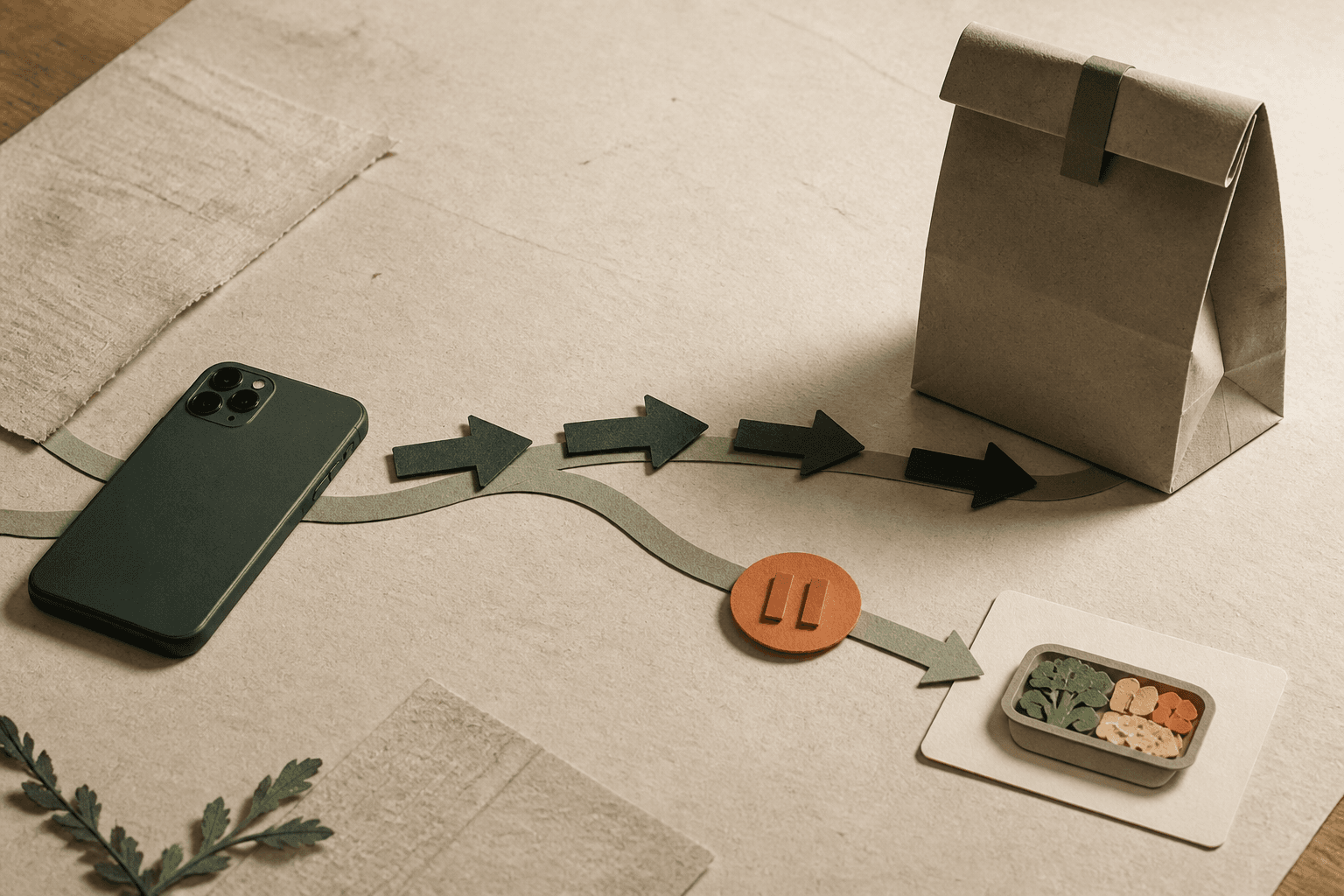
To stop ordering Uber Eats automatically, I would separate the prompts that invite an order from the access that makes it immediate. Silence the promotion, remove the one-tap path, protect the app-opening moment, and decide in advance when Uber Eats is still available. A seven-day setup is enough to learn which layer actually changes the decision.
I use “Uber Eats addiction” as everyday search language for an ordering habit that feels difficult to control, not as a diagnosis. The target here is the automatic app-opening loop.
Use the right layer for the problem
Uber Eats can stay easy through several different paths. I would match each path with the narrowest useful change:
| What keeps the order easy | The layer I would change |
|---|---|
| promotions and badges | turn off Uber Eats notifications |
| widget or home-screen muscle memory | remove the shortcut or app between planned orders |
| Uber One “use the benefit” pressure | stop renewal if it no longer serves you |
| automatic opening despite those changes | protect access before the menu |
| shared Uber account for rides | avoid account deletion; use app-level friction |
Apple’s current instructions place app notification controls under Settings → Apps → Uber Eats → Notifications; its guide explains how to turn notifications off for a specific app. I would also log out on the web and remove saved delivery favorites if they shorten the path.
If Uber One makes an unplanned order feel like recovering the membership cost, cancel the renewal. Uber’s official Uber One steps are Profile → Uber One → Manage subscription → End Subscription → Leave Uber One.
Do not delete the shared Uber account casually
Account deletion is a much broader action than uninstalling Uber Eats. Uber says a deletion request also affects Uber Eats or driver accounts using the same credentials, and the reverse can affect a rider account. Its account deletion guidance also describes a 30-day deactivation period.
If you rely on Uber for transportation, I would protect or remove only the Uber Eats access path first. Narrow friction is easier to keep and avoids disrupting an unrelated need.
Give the repeated trigger a specific response
Review two weeks of Uber Eats orders and name what happened immediately before each opening. “My last meeting ended late,” “I saw a 40% promotion,” “the kitchen was messy,” and “I had no dinner decision” are useful. “I lacked discipline” is not.
Choose the trigger that repeats. Then write one response that can happen without opening a menu: “If my last meeting ends after 7 p.m., I heat the rescue meal before I decide about Uber Eats.” The National Cancer Institute describes these if–then plans as links between a specific situation and a goal-supporting response. The research is not about Uber Eats, but the format turns an intention into an executable step.
If the same trigger simply sends you to another platform, map the cross-app food-delivery loop. If DoorDash becomes the substitute, use its DoorDash-specific reset instead of confusing a brand switch with a habit change.
Keep one meal that can beat the browse
The fallback needs to solve hunger plus one less decision. I keep two portions of a meal I like, with little cleanup, where I can see them: frozen noodles, soup and toast, eggs and tortillas, a sandwich, or a prepared grocery meal.
Time the meal once from first step to ready. It does not need to beat delivery arrival; it needs to become easier than choosing a restaurant and building a cart. If spending rather than the opening loop is the main problem, use the food-delivery cap and savings ledger.
Choose the seven-day Uber Eats rule
I would use one of two rules:
- Full reset: remove Uber Eats for seven days and keep the rescue meals ready.
- Planned allowance: name the exact day or situation when an intentional unlock is available, such as Friday dinner, illness, or one late shift.
“Only when I really need it” asks you to define need during the hardest moment. “Friday after 6 p.m.” can be decided with the menu closed. A planned Uber Eats order can fit the system; success means it was chosen before the prompt or reflex did the choosing.
Repair one layer after an automatic order
If you order automatically, record the trigger and repair one missing layer: silence the prompt, choose a better rescue meal, move protection earlier, or narrow the exception. Do not skip the next meal or make the ban harsher.
I judge progress by fewer automatic openings and faster resets, not a perfect streak. If ordering is tied to significant distress, secrecy, uncontrolled eating, concern about an eating disorder, or finances you cannot control, this guide is not a substitute for qualified healthcare or financial support.
Tonight, silence the invitation, protect the access point, and define one intentional Uber Eats window. Those are three different jobs; treating them separately is what makes the setup useful.