Order less.Keep more.
Ordless blocks food delivery apps on your phone, adding a calm pause before an impulse becomes another order.
Available on the App Store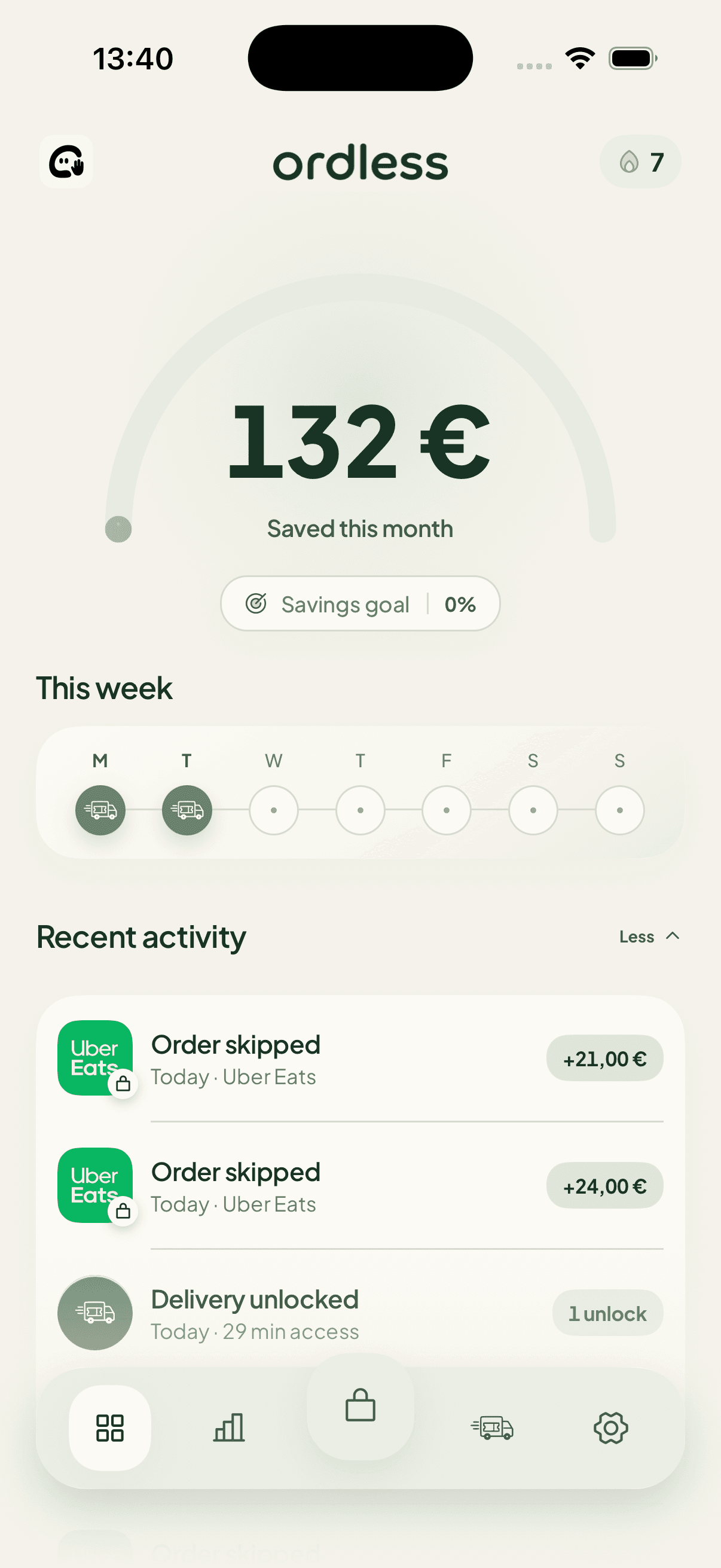
One order is small.
The pattern isn’t.
See what tonight’s order becomes when it repeats.
Example based on four similar orders per week.
Block food delivery apps before checkout.
Ordless steps in before an urge becomes an order. You see the real cost, name the impulse, then choose what happens next.
See the interventionUber Eats is blocked
What’s pulling you toward Uber Eats?
EatsOrder skippedToday · Uber Eats+€21.00
EatsOrder skippedToday · Uber Eats+€24.00
Keep more for what matters.
Every order you skip becomes visible progress toward a goal you chose.
Start with the pattern you want to change.
No guilt and no perfect streaks. Each guide gives you a small system for the moment when delivery, takeout, or eating out has become the default.
- DoorDash Addiction: How to Stop the Ordering Habit
- How to Stop Spending So Much Money on Food Delivery
- How to Stop Eating Out So Much—and Save Money
- Food Delivery Addiction: How to Break the Ordering Loop
- How to Stop Eating Fast Food When Delivery Is Too Easy
- Uber Eats Addiction: How to Stop Ordering Automatically
Built for real life.
Less punishment. More clarity at the exact moment you need it.
How does Ordless block food delivery apps?+
You choose the delivery apps you want to protect. Ordless uses Apple’s Screen Time controls to place a short checkpoint before they open.
Can I still order when I decide to?+
Yes. Limited weekly tickets can unlock your selected apps for 2 hours. A planned choice never has to feel like failure.
Does Ordless move or track my money?+
No. Ordless shows an honest estimate and only adds savings you confirm yourself. It never transfers money or treats a projection as real progress.
A choice before checkout